A useful view of time.
Switch the perspective without changing the event.
- Five calendar views
- Day-to-agenda planning
- Connect view
Scheduling & meeting intelligence
Flocci Calendar
Five calendar views, guest-ready browser rooms and an event record that keeps the agenda, decisions and actions together. The meeting should leave a working record, not another hunt through chat.
calendar.flocci.in
Create the event in the view that fits the day, week or agenda.
Bring guests into the browser room and work with the shared agenda.
Store decisions and actions, and analyse supplied text for the next steps.
Explore the tools, records and controls that make the workflow possible.
Switch the perspective without changing the event.
Bring the conversation into its scheduled context.
Let preparation and follow-through use the same record.
Turn a transcript you provide into material the team can use.
Connect the event to the rest of the team workflow.
The event remains useful after the room closes.
Public product preview. Open the product to explore its current experience.
Open Calendar (opens in a new tab)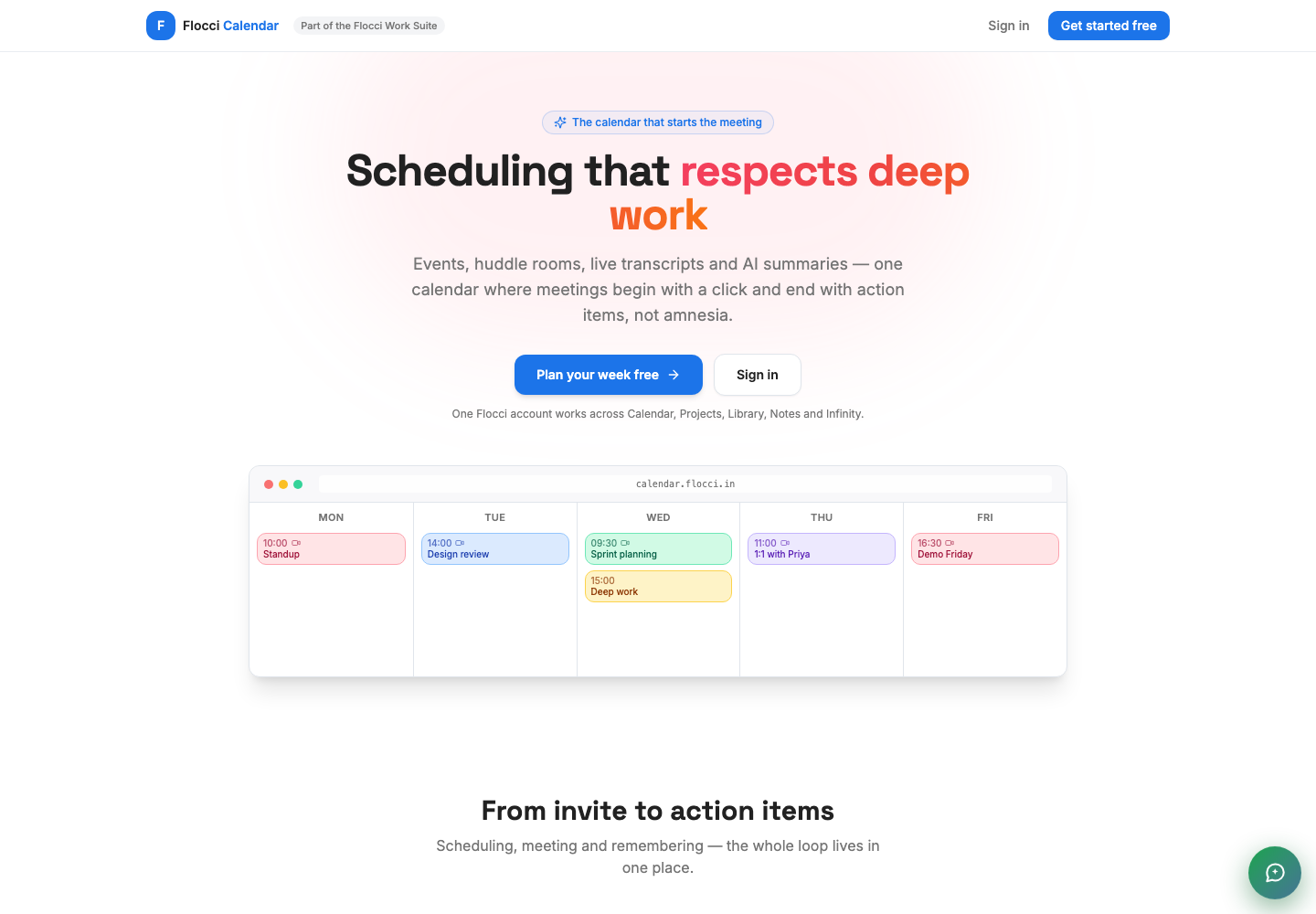
Run a client meeting with a guest link and a prepared agenda.
Keep project decisions and actions beside the scheduled event.
Analyse a supplied transcript before the next team discussion.
Calendar shares Work Apps identity and organisation. Workspaces shows canonical calendar content; activity context is distinct from the private meeting content.
Use the published Calendar plans and credit rates for meeting and intelligence actions. Guests can join through the supported link without buying a Flocci account.
Flocci Calendar plans events and huddles, starts live rooms and keeps meeting records. Where transcript text has been supplied, optional analysis produces summaries, decisions and action items. It does not perform automatic speech recognition.
Use the published Calendar plans and credit rates for meeting and intelligence actions. Guests can join through the supported link without buying a Flocci account.
The analysis workflow uses meeting text or a transcript you supply. Automatic speech recognition is not part of the promise on this page.
Yes. Calendar supports no-account browser guest links for its live rooms.
Calendar shares Work Apps identity and organisation. Workspaces shows canonical calendar content; activity context is distinct from the private meeting content.
FLOCCI ENGINEERING · STORIES
Explore the architecture and product decisions behind this part of Flocci.
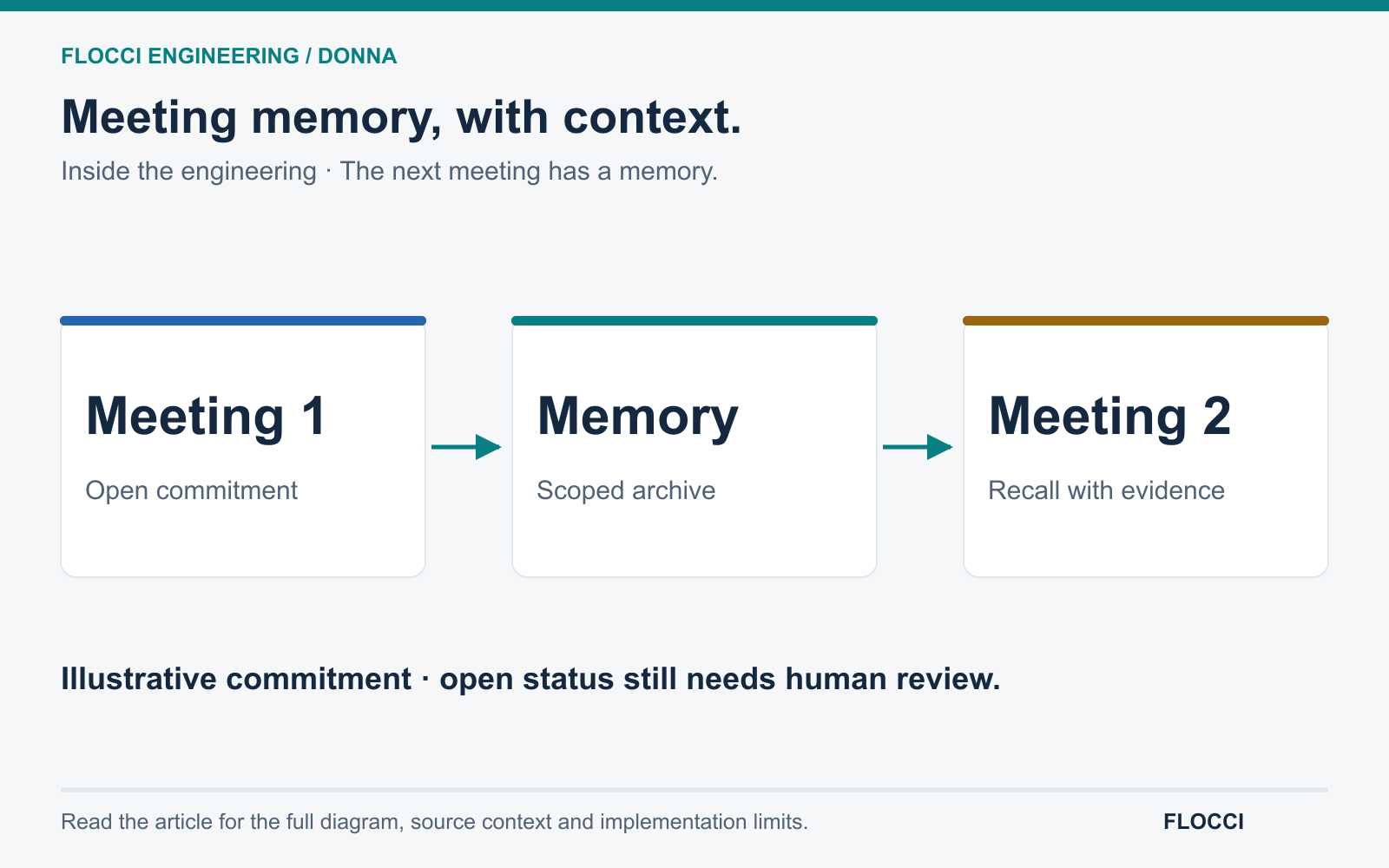
October 7, 2026 · On Crashtech
Donna brings unresolved commitments and earlier questions into later meeting analysis, giving recurring conversations a memory with context and evidence.
Read the story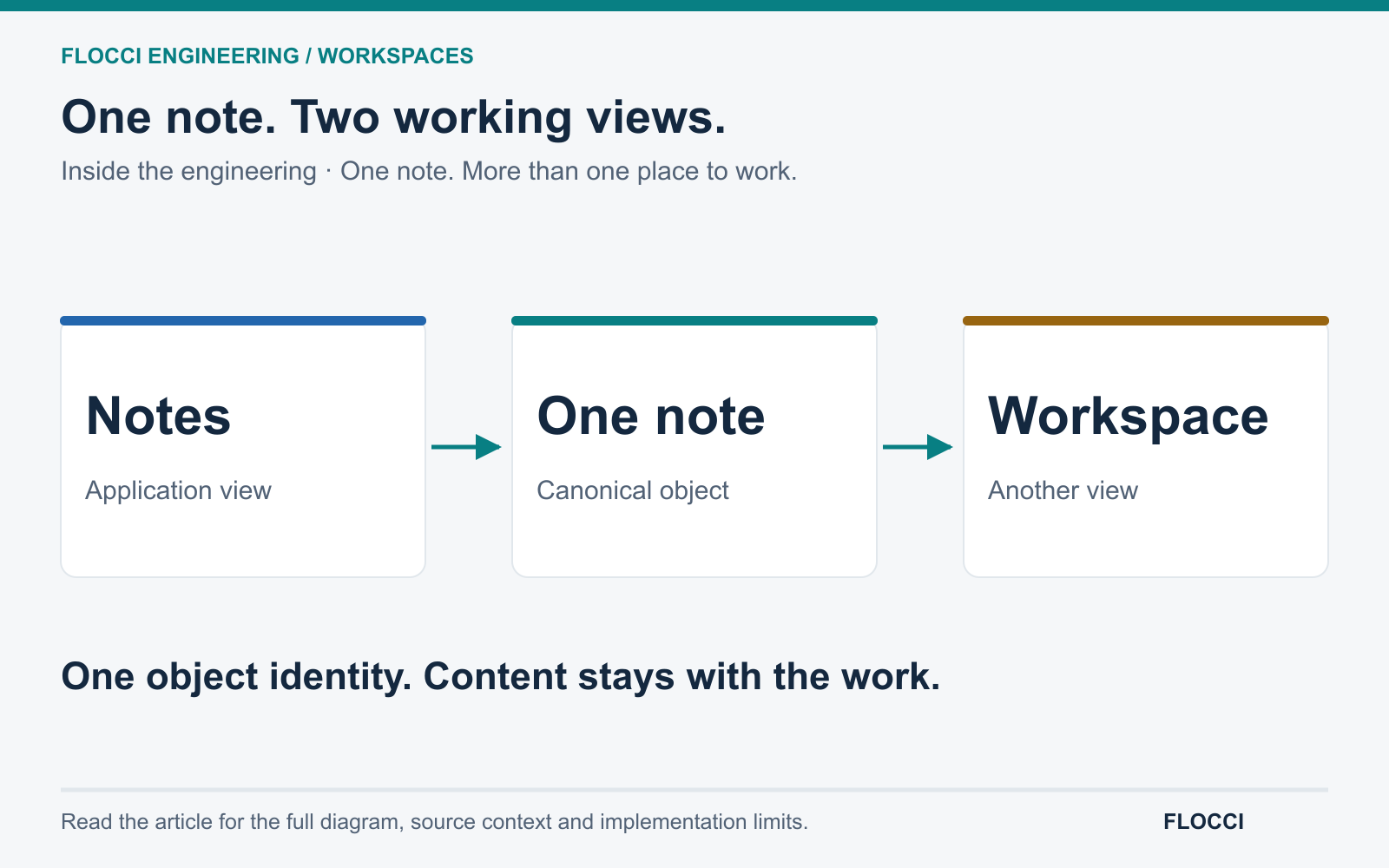
October 7, 2026 · On Crashtech
Flocci Workspaces connects a collaborative canvas to canonical Work Apps objects, preserving content while giving teams different ways to work with it.
Read the storyOwn the schedule. Keep the meeting moving.