A real writing surface.
Compose the page the subject deserves.
- Sixteen block types
- Callouts, tables and charts
- Code, embeds and checklists
Team knowledge base
Flocci Library
Take on Notion and Confluence with a serious team wiki: a sixteen-block editor, deeply nested pages, references that survive renames and access that reaches the page subtree. Give decisions a permanent home.
library.flocci.in
Create a space and a page tree around the way your team works.
Use blocks, references and comments to make the page useful.
Grant collaborators access or publish a read-only page subtree.
Explore the tools, records and controls that make the workflow possible.
Compose the page the subject deserves.
Organise a growing knowledge base without flattening it.
A link should not become a maintenance task after a rename.
Keep the sensitive branch private while the useful page is shared.
Use a prompt to move past the blank page.
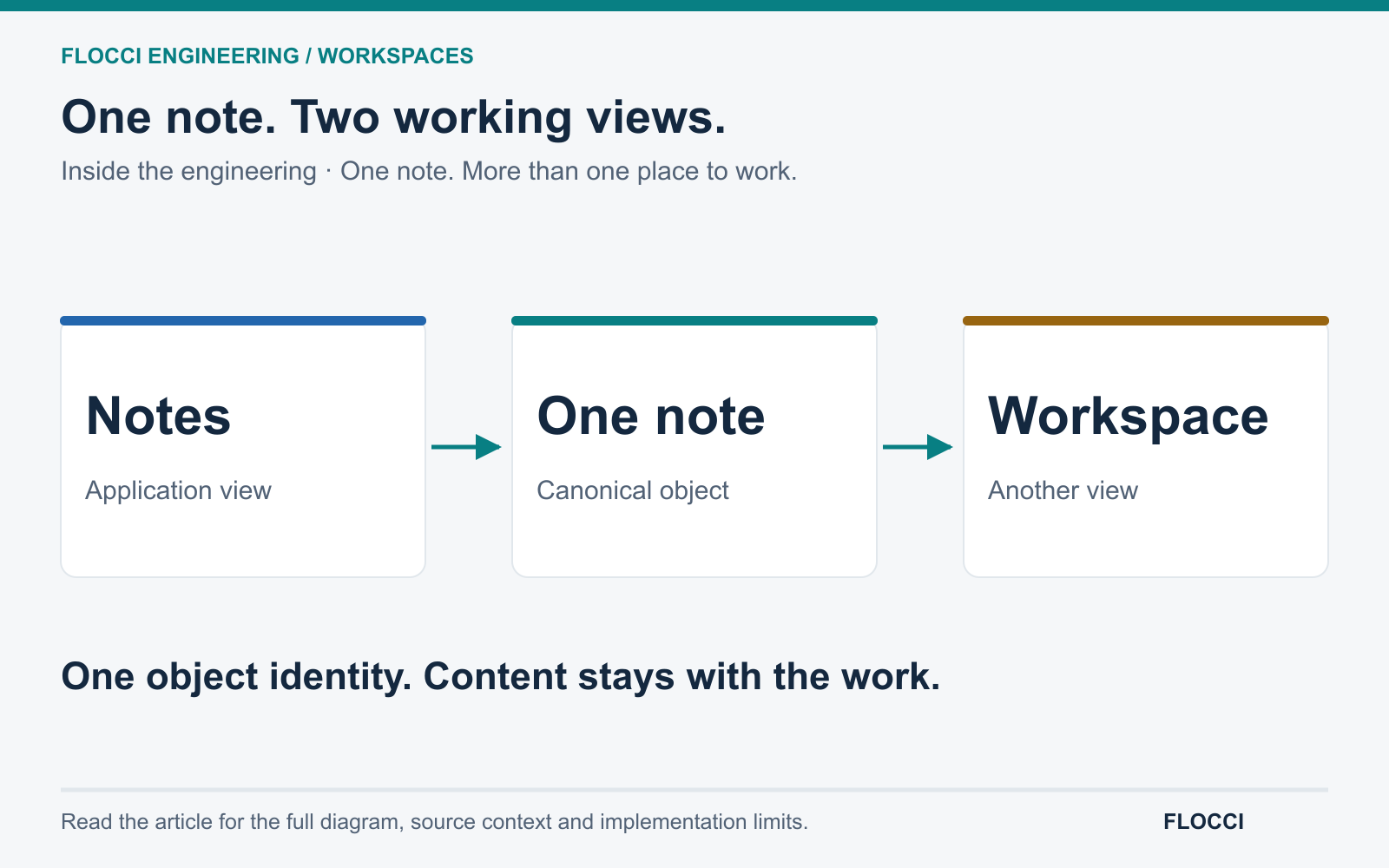
Let a note become documentation and an issue retain its source.
Public product preview. Open the product to explore its current experience.
Open Library (opens in a new tab)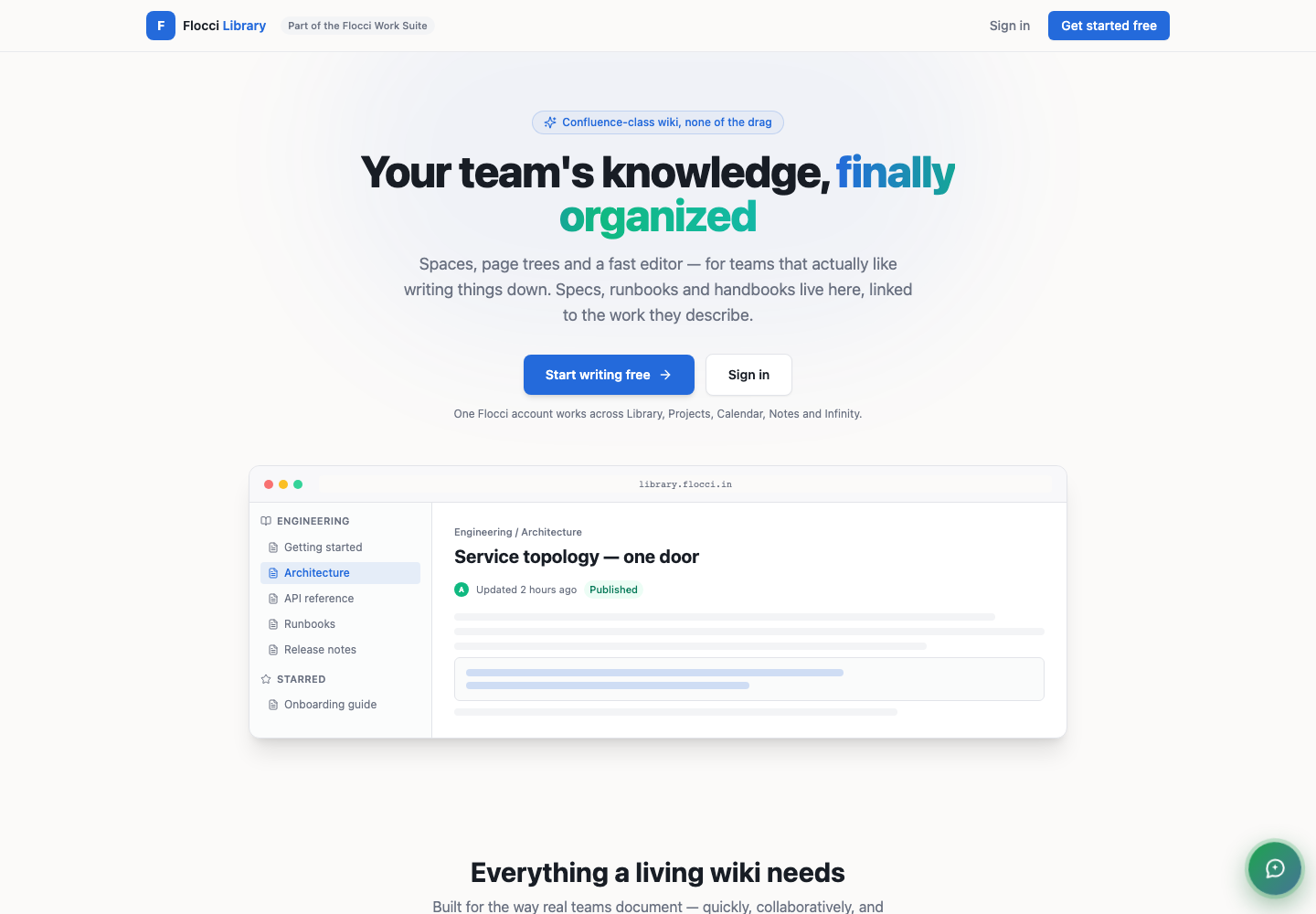
Build an engineering handbook with decisions and runbooks.
Publish onboarding knowledge with controlled public or private access.
Keep a product specification linked to the issue that delivers it.
Library shares Work Apps identity and membership. Notes can publish into Library; Projects can link to a page. Product activity is distinct from the private content of your pages and comments.
Core page work is included in your workspace access. AI drafting and outbound share-invite emails consume published credits; organisation seats and budgets are managed through Flocci.
Flocci Library is a team knowledge base built on spaces and nested page trees, with rich block editing, page references, backlinks and per-space permissions — so documentation stays findable and linked instead of scattering across chat threads and drives.
Core page work is included in your workspace access. AI drafting and outbound share-invite emails consume published credits; organisation seats and budgets are managed through Flocci.
Yes. Read-only public subtree sharing and page-level collaborator access let you select the scope, without exposing unrelated parents or siblings.
Page references and backlinks resolve through the page record, so the link continues to point to the renamed target.
Library shares Work Apps identity and membership. Notes can publish into Library; Projects can link to a page. Product activity is distinct from the private content of your pages and comments.
FLOCCI ENGINEERING · STORIES
Explore the architecture and product decisions behind this part of Flocci.
Give your team knowledge it can build on.